FreeAFX-GD-SEC/Rev 1.0/PDF
Lock It Down: a security primer for the AI era.
A free 20-page checklist for passwords, keys, admin access, AI tools, and backups, written for owners and managers of small and mid-size businesses.
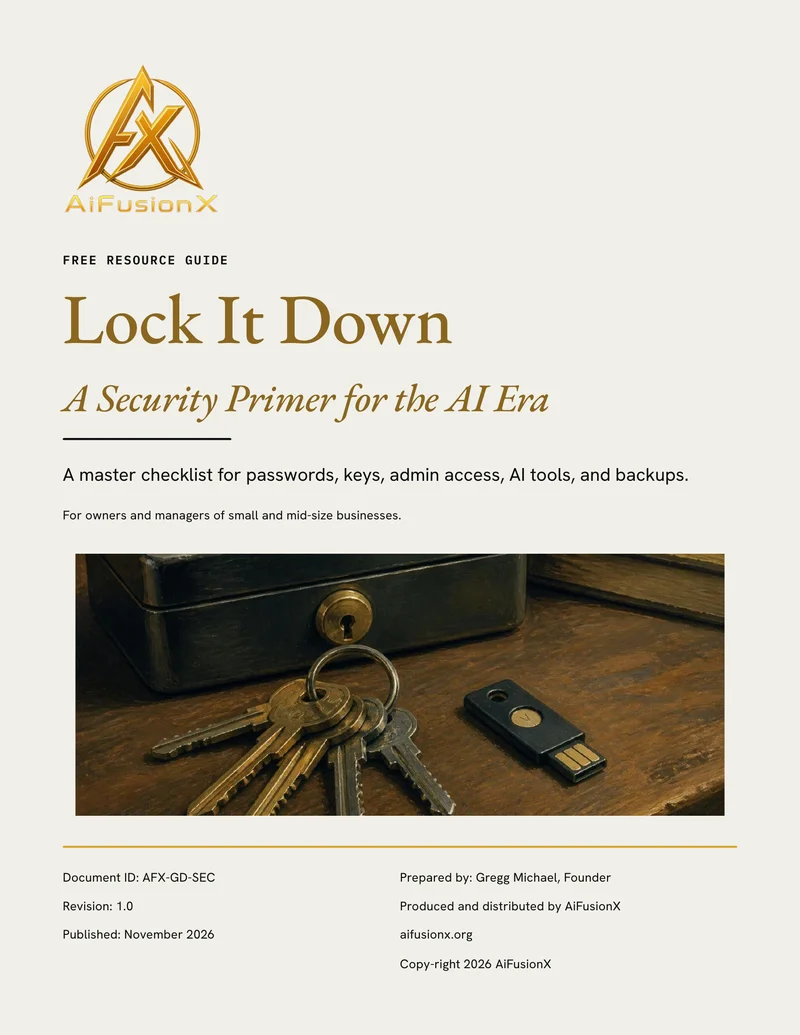
What it covers
- Twelve controls. The short list that stops most attacks, starting with phishing-resistant sign-ins.
- Street smarts. How to check a suspicious email before you click or reply.
- Passwords and keys. A password manager, and one register of every key: who owns it and when it expires.
- Admin access. Separate admin accounts, quarterly reviews, and same-day offboarding.
- AI tools. Spending caps, and which tools your team may use.
- Backups. At least one copy offline or locked, so no one can delete it.
- When something goes wrong. The first six calls and steps, in order.
Who it is for
Written for owners and managers of small and mid-size businesses who have no security team, and who now have more passwords, keys, admin accounts, and AI tools than anyone is keeping track of.
Your first week with it
Read the twelve controls first, then pick the two you can finish this week. A sensible start is phishing-resistant sign-in for email and admin accounts, and the key register: every key, who owns it, and when it expires. Check that each admin uses a separate admin account, and remove anyone who has left. Confirm one backup copy is offline or locked. Then print the first six steps from the last section and keep them where they will be found.
Where should we send it?
Free. We email you a private download link.
After the checklist
Security is one part of the picture.
FusionScore Lite takes about four minutes and shows where else your business loses time and customers. Or tell us what you are working on, and we will take it from there.